Custom Character Creation in Jujutsu Shenanigans
Unleash your creativity in Jujutsu Shenanigans with the new character block feature, allowing you to design and personalize unique combatants. This powerful Character Editor enables you to create custom characters that will appear directly in your character menu, ready for action in the battlegrounds.
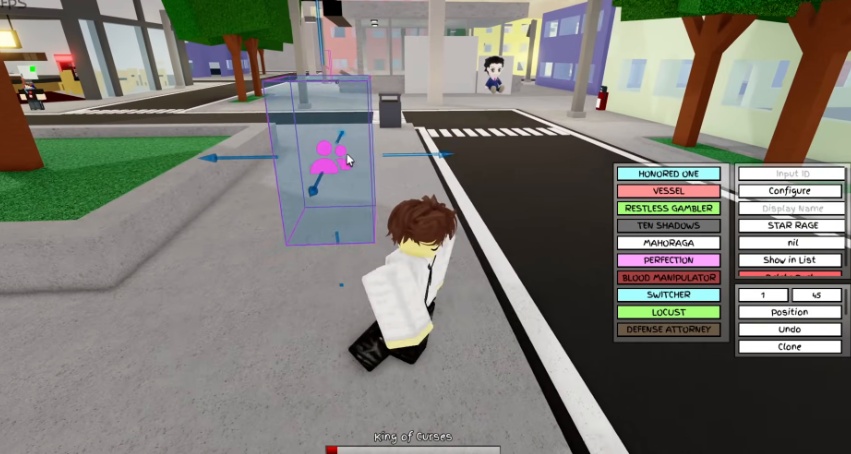
Naming Your Custom Character
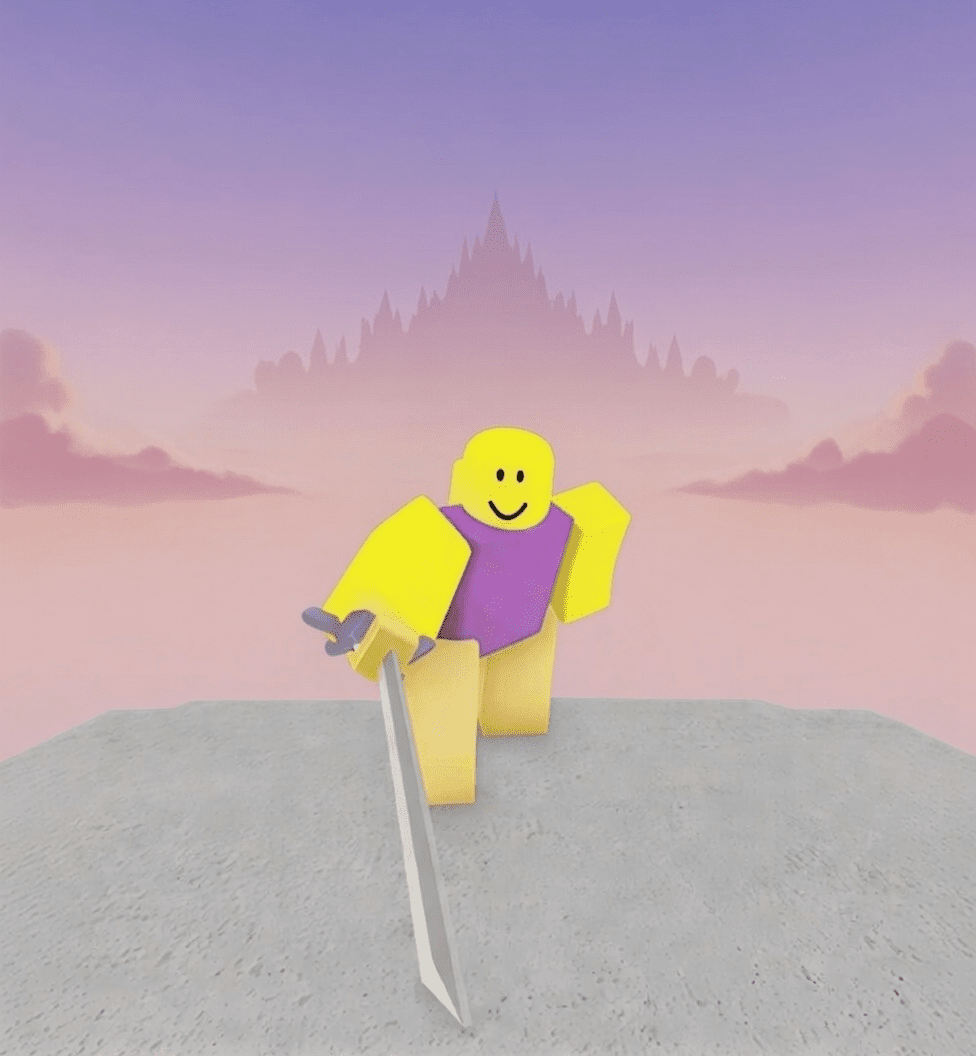
To easily identify your personalized fighters, the Character Editor allows you to assign custom names. For instance, you could name a character "Purple Guy" to give them a distinct identity within the menu. This ensures you can quickly find and select your unique creations before diving into combat.
Configuring Character Abilities
Once your character is named, the real customization begins. The Character Editor provides extensive options to configure your character's combat style, including skill, special, awakening, and melee abilities. This allows for a deeply personalized gameplay experience, letting you tailor every aspect of your fighter's arsenal.
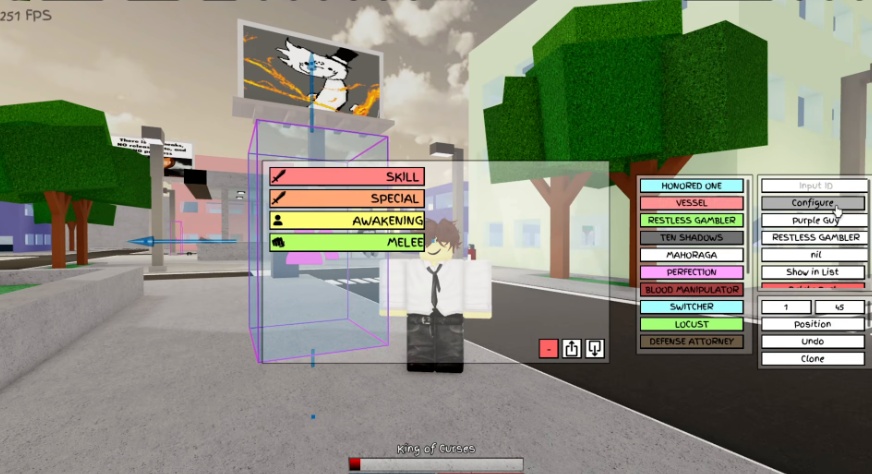
Skill Configuration
Each skill can be meticulously crafted to fit your playstyle. You can assign any move or combination of moves to a skill slot, such as a "slaughter" move. Critically, every skill and ability in the editor can be assigned a custom cooldown time. For example, a skill could have a 2-second cooldown, allowing you to balance power and frequency of use.
Special Ability Configuration
Similar to skills, special abilities offer another layer of customization. You can define unique attacks like a "stabbing" move and assign any desired move or combination, such as "dreams at free speed." Just like skills, special abilities also feature a customizable cooldown time, letting you set it to, for instance, a 3-second cooldown.
Awakening Ability Configuration
For ultimate power boosts, awakening abilities allow you to enter a heightened state. You can name your awakening, such as "Man Behind the Slaughter," and, importantly, for awakening abilities, you can set the duration of the state. This duration dictates how long your character remains in their awakened form, for example, lasting 5 seconds. You can also define the animation for this powerful ultimate, like using a "hollow purple animation."
Melee Attack Configuration
Enhance your close-quarters combat by creating custom melee animations. The editor allows you to link various animations together to form your desired melee sequences, such as an M2 attack. It's crucial to remember that you must include hitboxes for melee attacks, otherwise they will not cause damage, rendering your custom animations ineffective in battle.
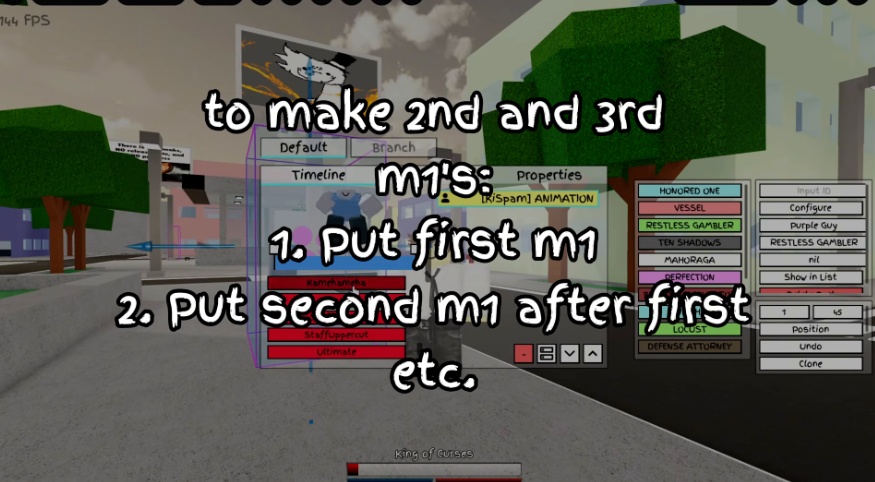
Adding Custom Character Icons
To further distinguish your unique characters, the Character Editor offers the cool feature of adding custom character icons or images to the menu. This allows for a visual representation of your character, making them stand out in the selection screen.
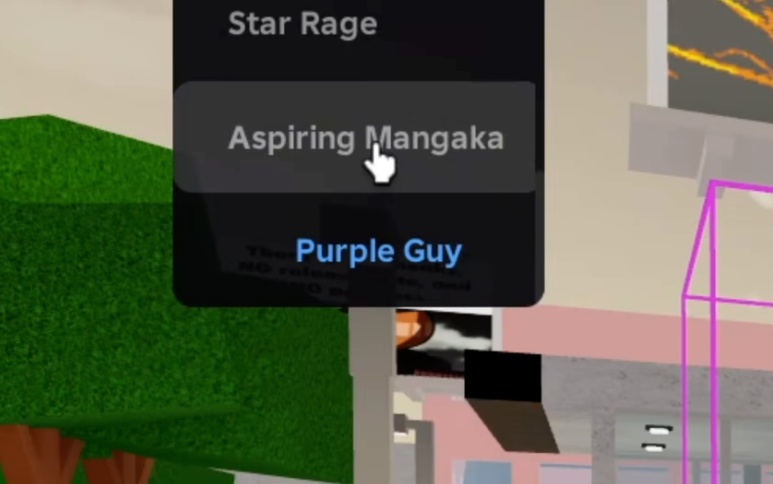
Frequently Asked Questions
How do I create a custom character in Jujutsu Shenanigans?
You can create custom characters using the new character block in the game's editor, which lets you design and configure your own fighters to appear in the character menu.
Is it possible to name my custom characters?
Yes, the Character Editor allows you to assign custom names to your characters, making them easily identifiable in the game's menu.
What types of abilities can I configure for my custom character?
You can configure skill, special, awakening, and melee abilities for your custom characters, allowing for extensive personalization of their combat style.
How do cooldowns and durations work for abilities?
Each skill and special ability can be assigned a custom cooldown time, while for awakening abilities you can set the duration of the state, controlling how long your character remains empowered.
Do I need to add hitboxes to my custom melee attacks?
Yes, it is a crucial warning that you must include hitboxes for melee attacks in the editor; otherwise, your custom melee animations will not inflict any damage.
Can I add a custom image for my character in the menu?
Yes, the Character Editor provides the feature to add custom character icons or images, allowing you to visually personalize your character in the selection menu.