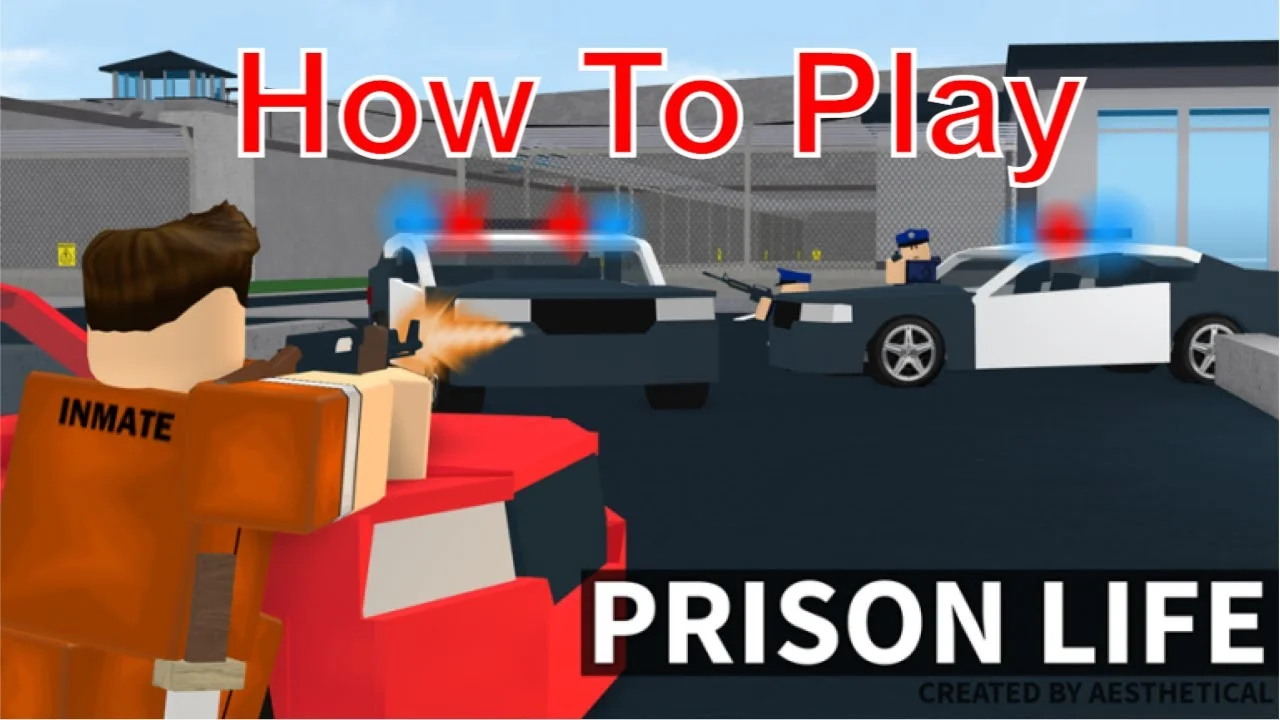
Welcome to Prison Life, the ultimate Roblox sandbox where strategy and skill determine your fate. Whether you're an Inmate plotting a daring escape, a Guard enforcing order, or a Criminal seeking revenge, mastering movement, combat, and hidden glitches is key to dominating the server. This guide will walk you through essential gameplay mechanics and advanced techniques to give you a significant edge.
Movement Fundamentals
Effective movement is crucial for survival and strategy in Prison Life. Here's what you need to know:
Sprinting
To effectively sprint and move quickly across the prison grounds, you must first disable the Shiftlock feature in your Roblox settings. If Shiftlock is active, holding Shift will not allow you to sprint. Always ensure Shiftlock is turned off for optimal mobility. 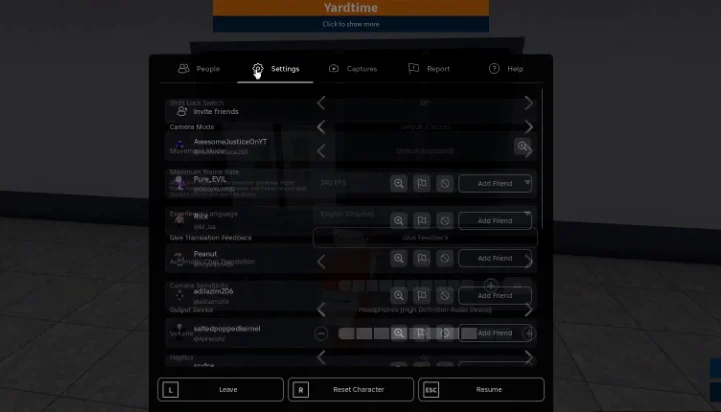
Other basic movements include pressing Shift to sprint, S to crouch, and F to punch, though punching is generally not very useful in combat.
Combat Tips
When engaging in combat, strategic aiming and movement can turn the tide:
- Always aim and fire in third-person view for better combat performance. This provides a wider field of view and makes tracking targets easier.
- Practice your aim consistently to improve accuracy.
- Move around as quickly as possible during engagements to make yourself a harder target.
- Switch between different weapons, such as an M41 and a Remington, to maximize your offensive capabilities and adapt to various combat situations.
Advanced Glitches for Escape and Advantage
Prison Life is full of hidden mechanics and glitches that can provide unique advantages. Master these to outsmart your opponents and explore new areas.
Freeze Screen: A core glitch mechanic where you hold right-click on the top bar of the game window to pause your game client, allowing for precise inputs.
Important Glitch Warnings
- Be careful when freezing your game to perform glitches. If you do not release the right-click button correctly, especially if your mouse is still on the top bar when you let go, it can cause you to log out of the game.
- Activating Super Mode or performing certain glitches automatically unequips any item you currently have selected. Remember this when planning your moves.
Wall Glitch (Cops Room Escape)
This is one of the easiest glitches to perform to escape the cops room quickly:
- Go between the "coming soon" sign and the Game Pass store area.
- Position your back against the grayish wall in this area.
- Hold S and W simultaneously.
- Press Shift.
If done correctly, you will glitch through the wall and be outside the prison. 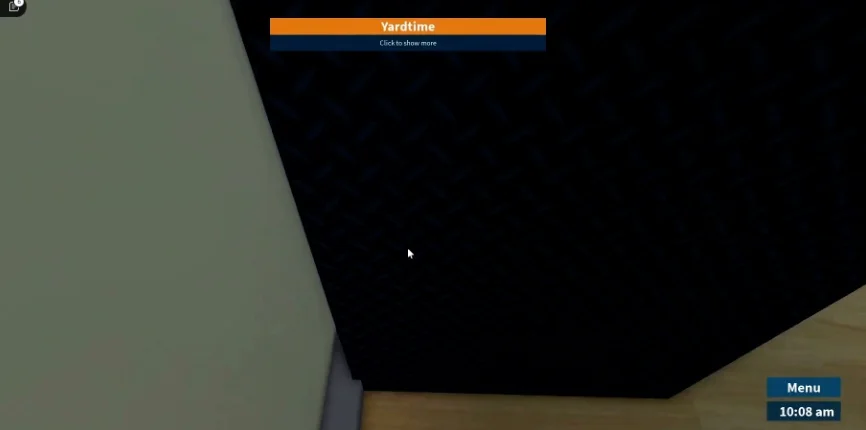
Jail Cell Clip
As an Inmate, you can clip out of your jail cell even before daytime:
- While in your cell, put your back against the wall (or the tap).
- Look towards the top of your cell at a slight angle.
- Lock into first-person view.
- Press C to crouch.
This should clip you out of your cell. For a higher chance of success, always position yourself against the wall rather than the tap.
Super Clip Glitch
The Super Clip glitch allows you to clip through various walls, making fences particularly easy targets. This glitch requires the removal of head collision and the activation of Super Mode.
Removing Head Collision
To remove your head collision, which is a prerequisite for effective wall clipping:
- Stand up against a wall, such as the one near the vending machines.
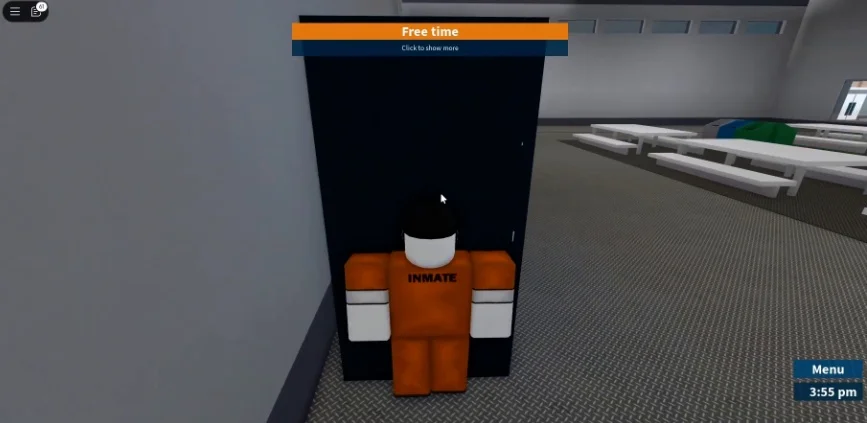
- Ensure you see a small white bar on the top of your game window.
- Press Shift and immediately after, freeze your screen by putting your mouse on the white bar and holding right-click.
- While frozen, move your mouse off the white bar, then release right-click.
- If successful, your head should be lodged into the wall. Press Shift again so your avatar stands in this position. Do not move while in this state.
Activating Super Mode
Super Mode is essential for the Super Clip glitch and others. It is activated as follows:
- Crouch by pressing C.
- Freeze your screen by placing your mouse on the top bar of the window and holding right-click.
- While your mouse is still on the white bar (this is important), press C again, then press the 1 key twice (1, 1).
- Move your mouse off the white bar and then release right-click.
Super Mode should now be activated. Remember, selecting any item will deactivate Super Mode. With head collision removed and Super Mode active, you can now time your movements to clip through walls. Fences are often the easiest to practice on due to their thinner structure. 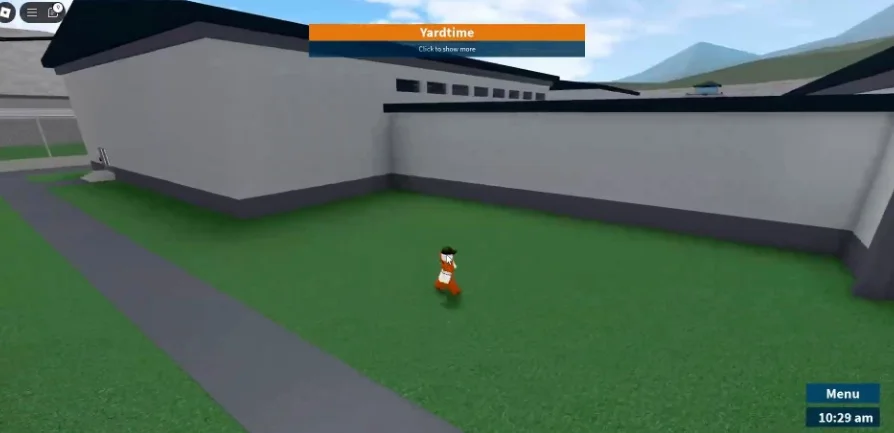
Neutral Spawn Location Glitch
This glitch offers a unique way to reach the neutral spawn area without being a Criminal or Guard:
- Go to the cafeteria.
- Stand specifically in one of the trash bins.
- Press Shift.
- Stand in first-person view.
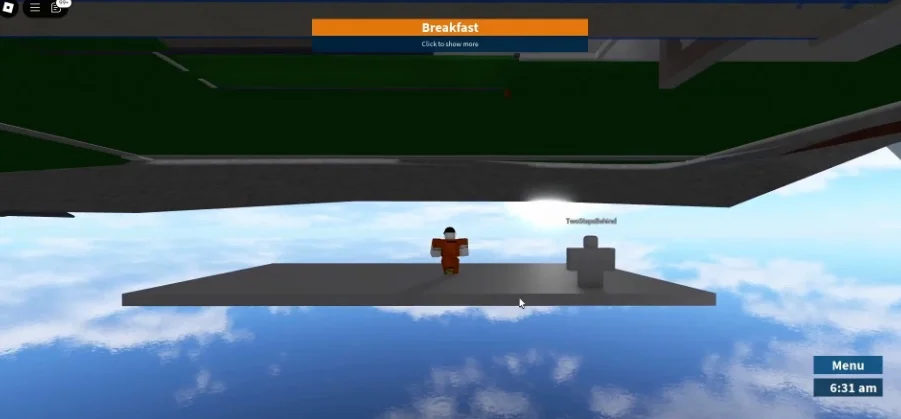
If performed correctly, you will spawn on a sky platform or tunnel leading to the neutral spawn location. Navigate carefully to avoid falling. 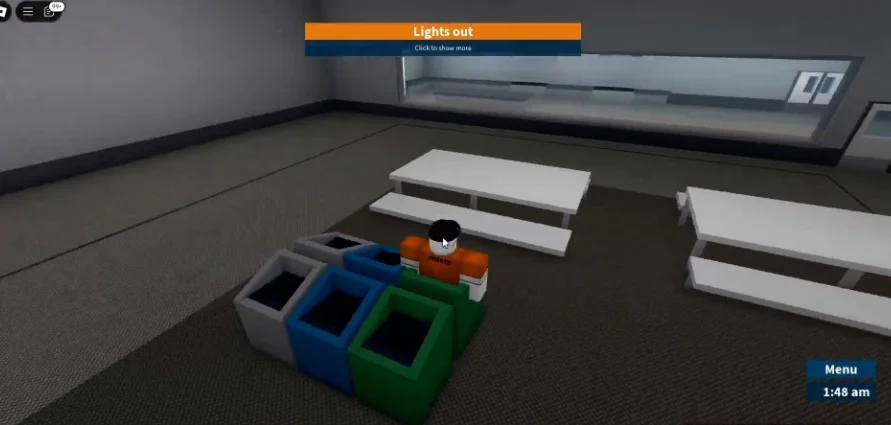
Pressure Glitch (Super Jump)
The Pressure Glitch, also known as Super Jump, allows you to launch your character high into the air. This glitch requires Super Mode to be active.
- First, activate Super Mode using the steps outlined above.
- Crouch under a suitable object such as a dumbbell, coffee table, or bleachers in the yard. Do not go too far under the object.
- Hold Space to jump up.
- Immediately press C again to stand up.
If timed correctly, you should be launched significantly upward. For more control over your trajectory, it's recommended to hold Shift along with either W (forward) or D (right) as you perform the final step. This glitch was notably used to break the Prison Life escape world record. 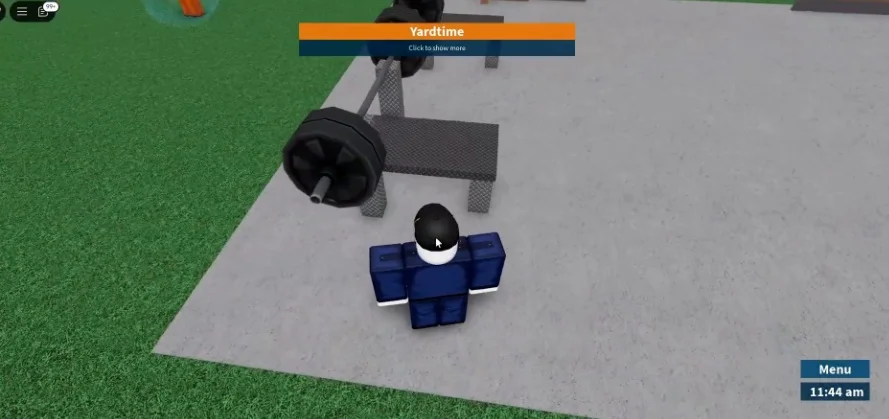
Frequently Asked Questions
How do I sprint in Prison Life?
To sprint, you need to disable the Shiftlock feature in your Roblox game settings. Once Shiftlock is off, you can hold Shift to sprint and move quickly.
What is the Super Clip glitch used for?
The Super Clip glitch allows players to clip through walls, primarily by combining head collision removal and Super Mode activation. It is especially effective for escaping through thin structures like fences.
How do I activate Super Mode in Prison Life?
To activate Super Mode, crouch, freeze your screen by holding right-click on the top bar of the window, press C, and then press the 1 key twice. Remember that selecting any item will deactivate Super Mode.
Where can I perform the neutral spawn location glitch?
You can perform the neutral spawn location glitch by standing in a specific trash bin located in the cafeteria. From there, pressing Shift and entering first-person view will transport you to a sky platform leading to the neutral spawn.
Is it possible to launch myself into the air in Prison Life?
Yes, by performing the Pressure Glitch (also called Super Jump), which requires Super Mode to be active. You crouch under an object like a dumbbell, hold Space to jump, and then press C to stand, launching you into the air.